

How to Go Akimbo: The Official Setup Guide (Beta)
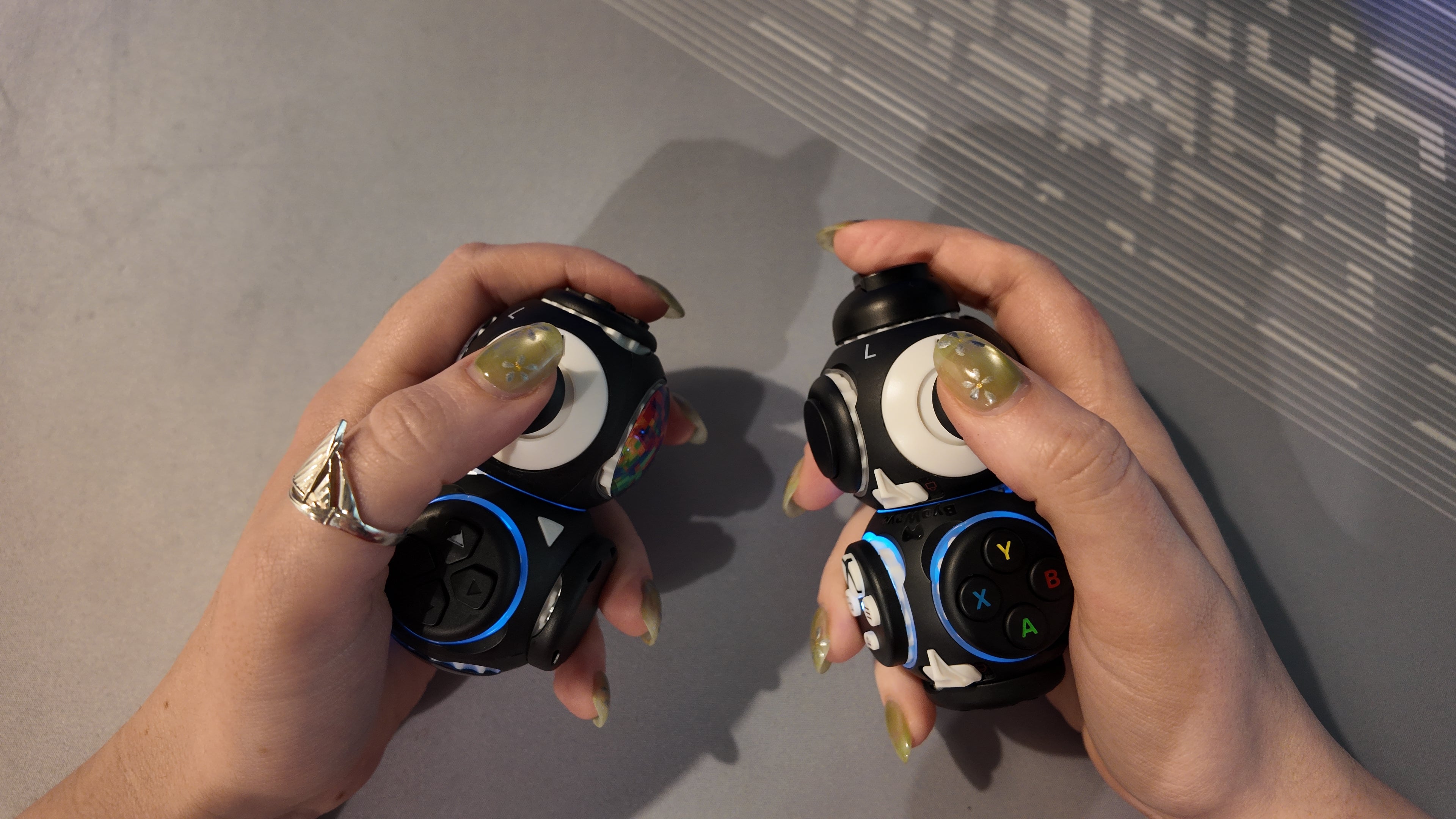
The Akimbo Beta is officially live! We’ve engineered this to be the fastest way to get into a split-play configuration. Since this is a Beta release, the process is streamlined but may evolve based on your feedback.
Here is the "3-step" recipe to get your dual-hand setup running in seconds.
The "Akimbo" Setup Process
Going Akimbo is 100% plug-and-play. No manual remapping or complex software is required.
-
Plug in your V2 Dongle: Connect it to your Xbox or PC. (Make sure you have updated your firmware - learn how here)
-
Power On BOTH Cubes: You don't need to wait—simply power on both of your Power Cubes at the same time.
-
Wait for the Sync: The dongle will automatically detect both configurations. Once the lights on both cubes go solid, you’re ready to play.
The "3-Minute Rule" (Lag Protection)
To ensure your gameplay remains competitive and lag-free, we’ve implemented a 3-minute search window.
-
The Search Window: When you first plug in your dongle, it "hunts" for up to two Power Cubes for exactly three minutes.
-
Why the timer? Actively searching for a second cube consumes a tiny bit of wireless bandwidth. To prevent any potential lag during your session, the dongle stops searching after three minutes to focus 100% of its power on your active connection.
-
Missed the window? If you decide to add a second controller after the initial three minutes have passed, simply unplug the dongle and plug it back in. This resets the "Akimbo Window" for another three minutes.
Looking Ahead: Total Control
We know that for competitive play, every millisecond matters. In an upcoming update to the Proteus App, we are adding features to give you total control over your wireless environment:
-
Custom Timers: Adjust the 3-minute search window to fit your specific needs.
-
Akimbo Toggle (Zero-Lag Mode): You will be able to turn off Akimbo search entirely. If you only plan on using one controller for a session, you can disable the search feature so you experience zero extra bandwidth usage from the very second you plug in.
We Want Your Feedback
Is the 3-minute window long enough for your setup? How does the connection feel? This is a Beta for a reason—your input directly shapes the final version of Akimbo.
Email us at info@byowave.com or tag us in our Discord.


Leave a comment
This site is protected by hCaptcha and the hCaptcha Privacy Policy and Terms of Service apply.