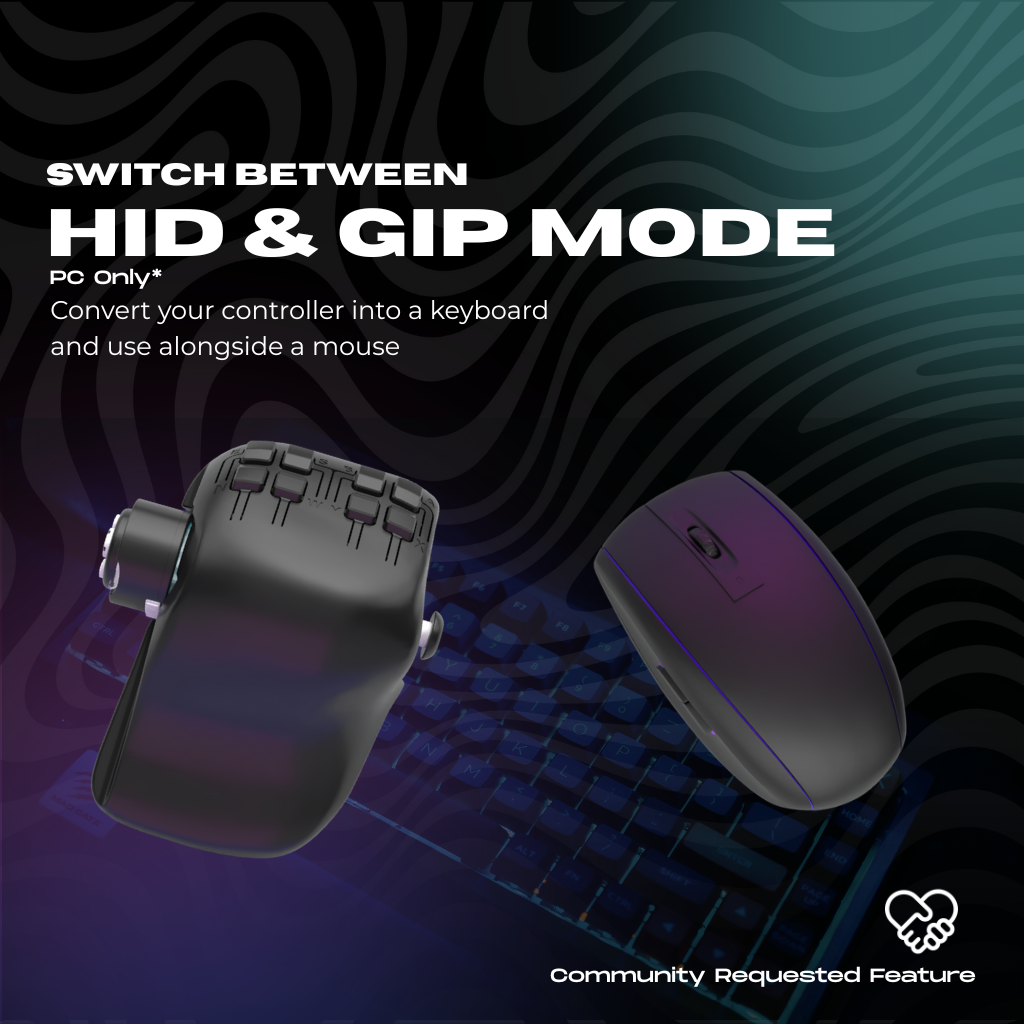
Switch between controller and keyboard mode
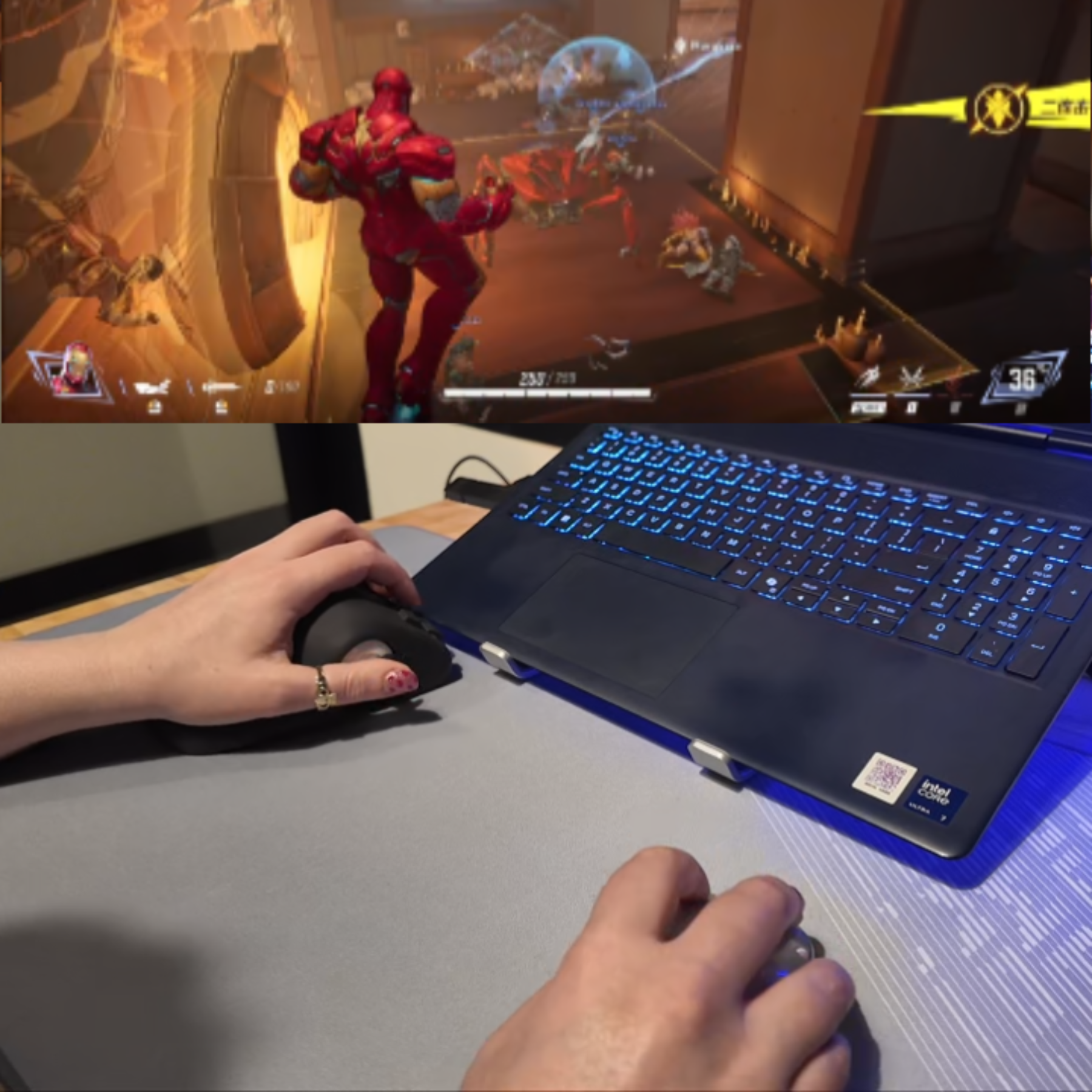
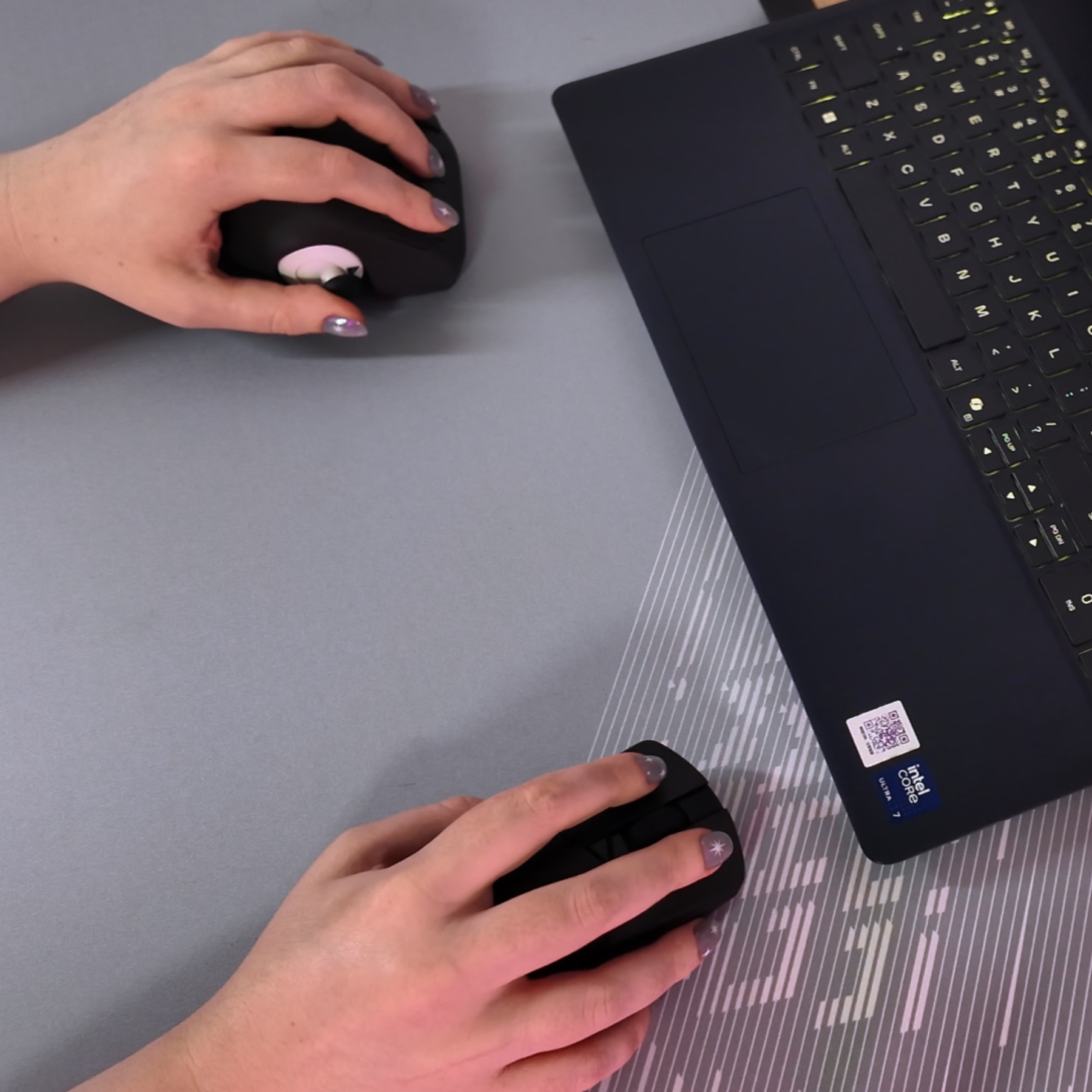
Switch from GIP (Controller Mode) to HID (Keyboard mode). Swap WASD for an analog stick and pair alongside a mouse
PC only feature*
Hardware version: 2.0
Officially Licensed for Xbox
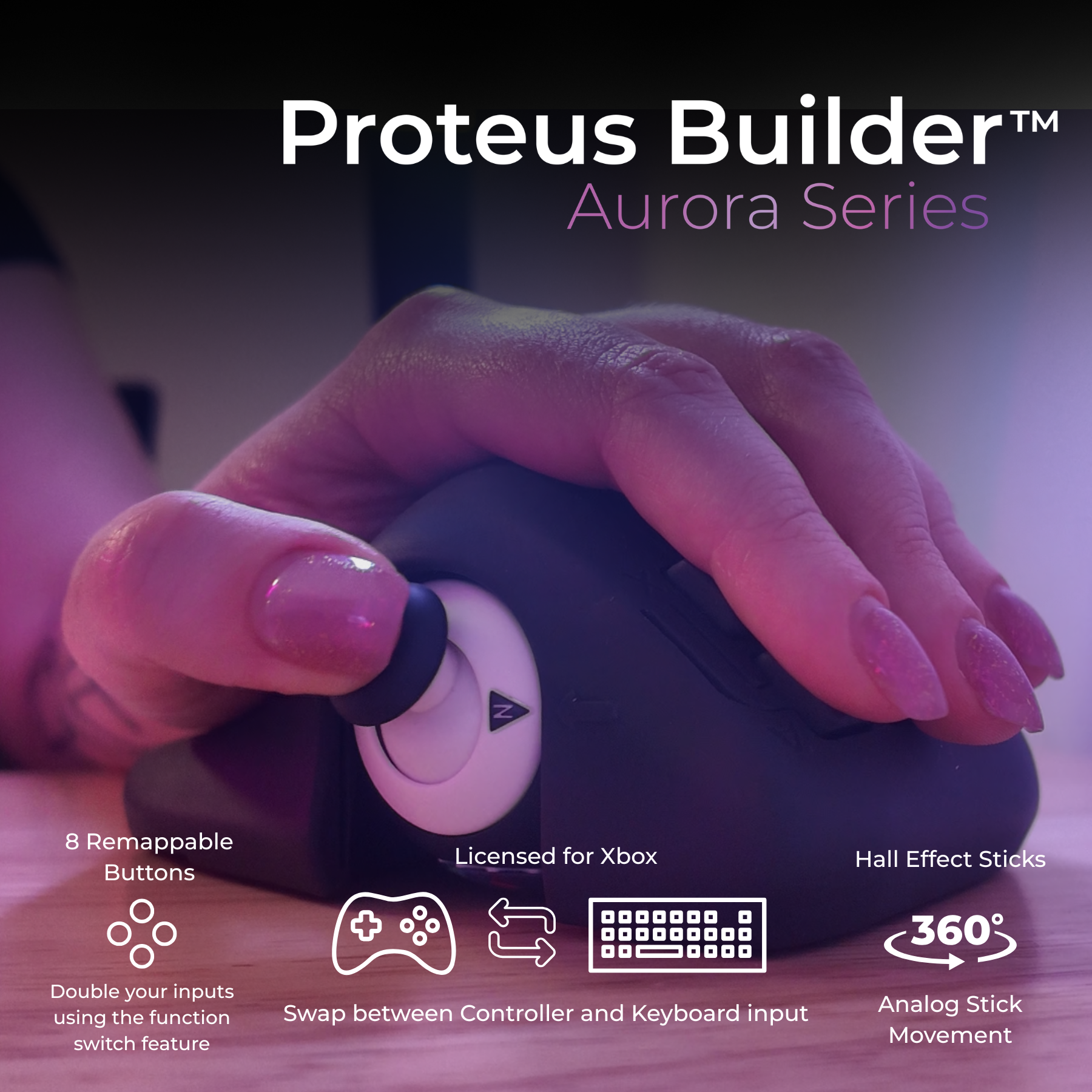
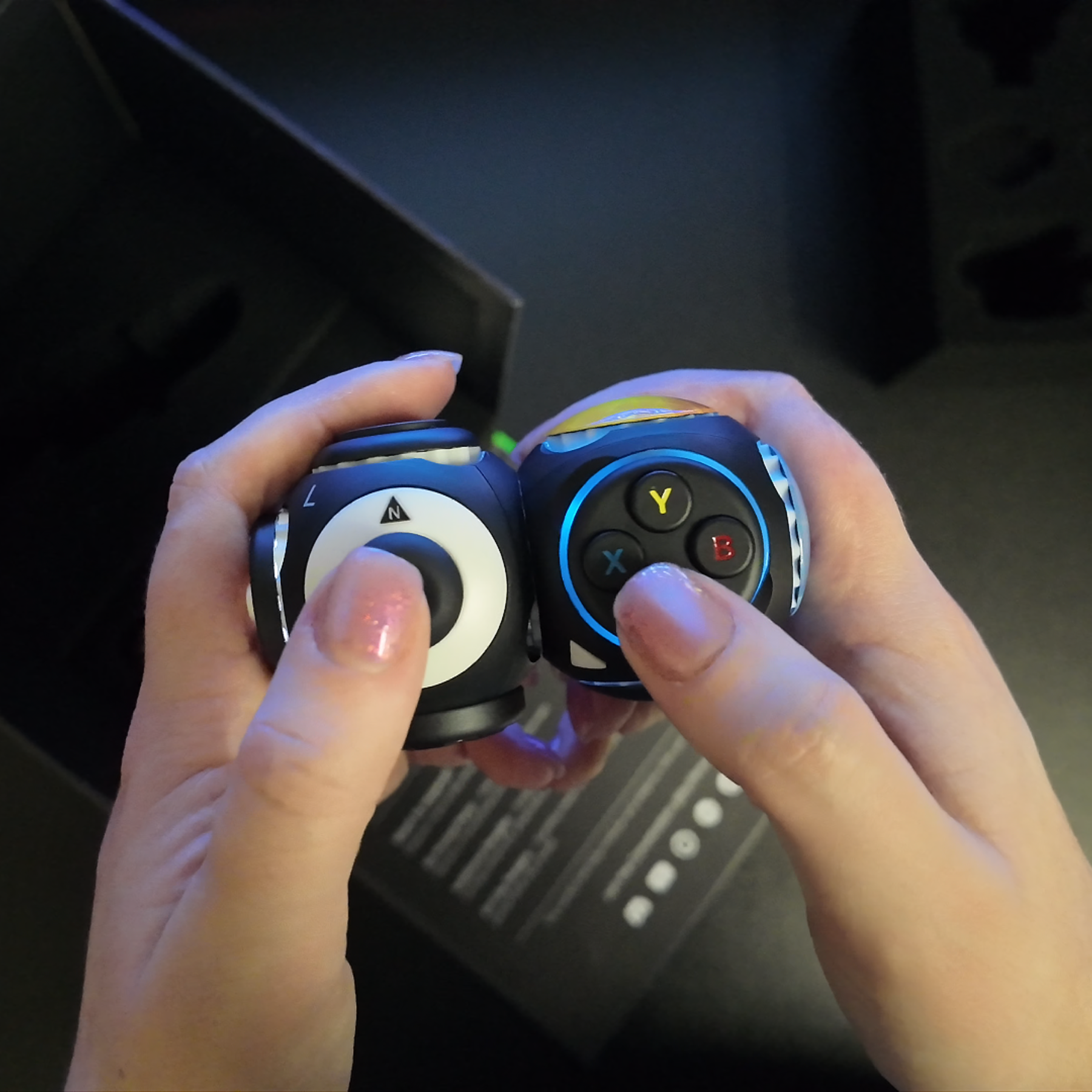
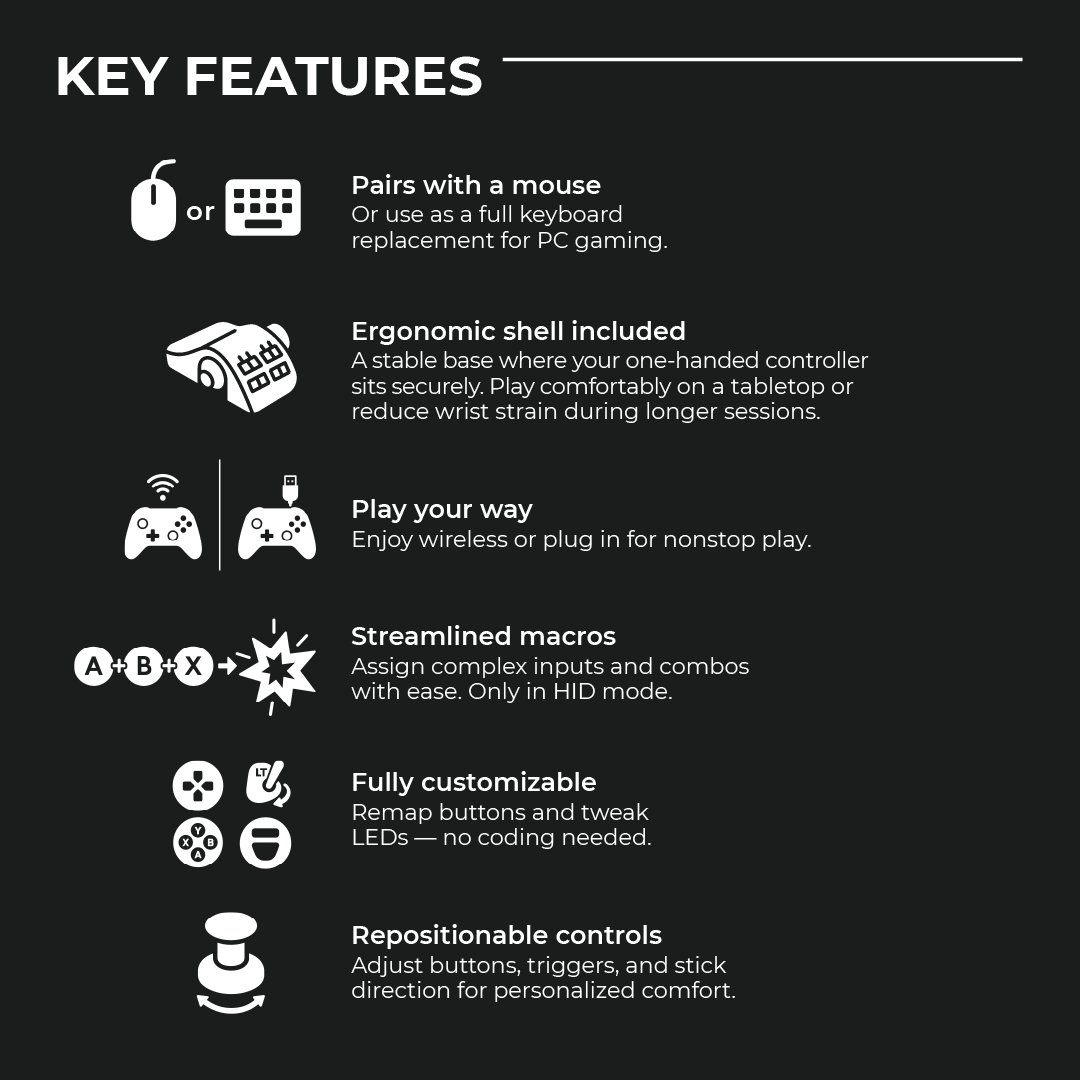
The Proteus Builder is a modular, one-handed controller. It is not a traditional gamepad replacement; instead, it provides the movement and input set of the left side of a controller in a compact, snap-together form factor. It is designed to be the "movement half" of a PC setup or a standalone solution for specific simple games with minimal input.
1. The Mouse & Stick Setup (PC) This is the primary way to use the Proteus Builder. It replaces the "WASD" keys on your keyboard, giving you fluid, 360° analog movement in your left hand while maintaining the precision of your gaming mouse in your right hand.
2. One-Stick "Cozy" Gaming The Builder functions as a standalone controller only for games that do not require a second analog stick. It is an ideal, relaxed solution for "Cozy" titles and indies such as Balatro, Vampire Survivors, Stardew Valley, or Slay the Spire. With the ability to map a second input layer you can have access to the most important inputs.
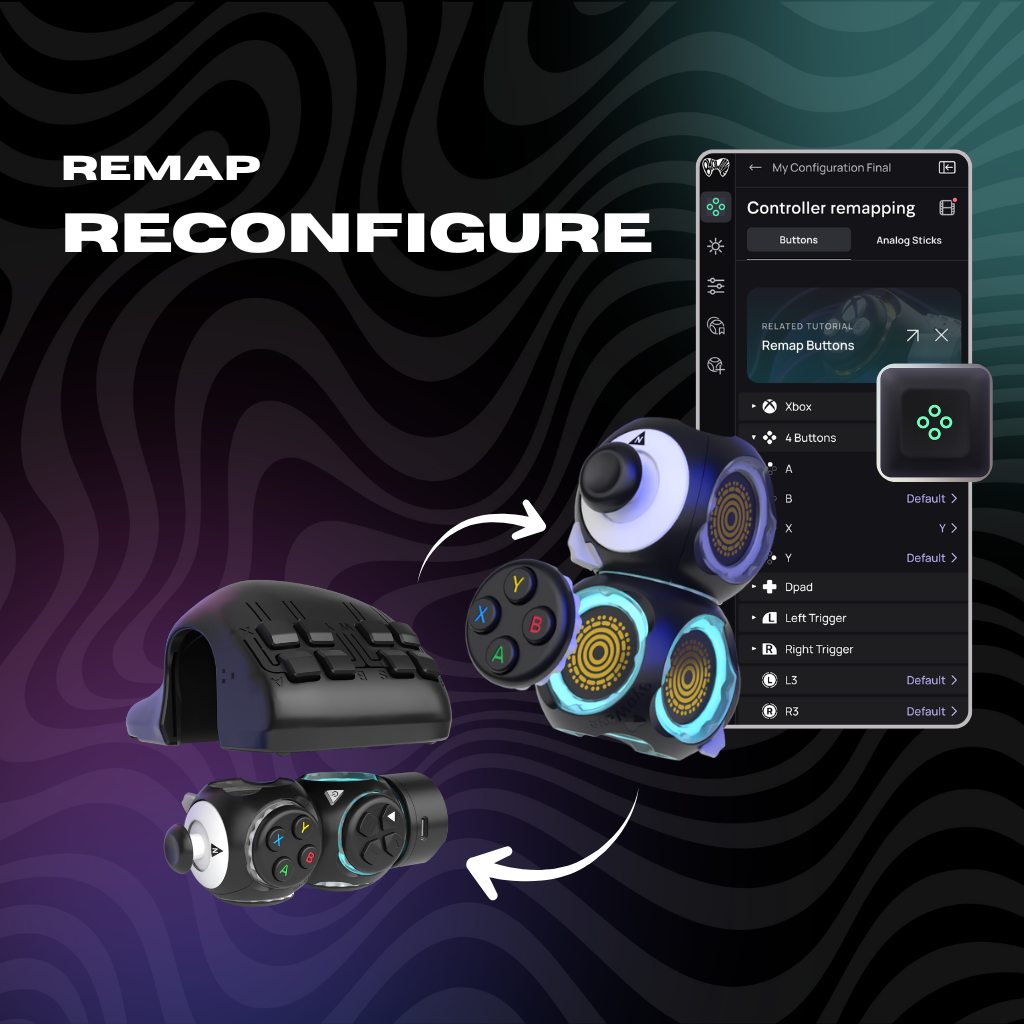
Full Remapping: Includes 8 remappable buttons, a remappable Left Stick, and a remappable L3 button (stick click) to suit your specific layout.
Function Switch Mode: Using the Proteus software, you can toggle between two distinct input layers. This effectively doubles your controls, giving you access to secondary commands (up to 16 total) without moving your hand.
Tactile Mechanical Switches: All buttons and levers use responsive mechanical switches for a crisp "click" feel, similar to a high-end gaming mouse.
3D-Printed Ergonomics: The shell is manufactured using high-strength polymers to create complex, hand-fitted curves that traditional factory molds cannot replicate.
Full Customization: Features 8 remappable buttons, a remappable Left Stick, and a remappable L3 button (stick click), allowing you to tailor the layout to your specific playstyle.
Function Switch Mode: Included software allows you to toggle between two distinct input layers. This "Shift" capability effectively doubles your available commands, giving you access to secondary functions without moving your hand.
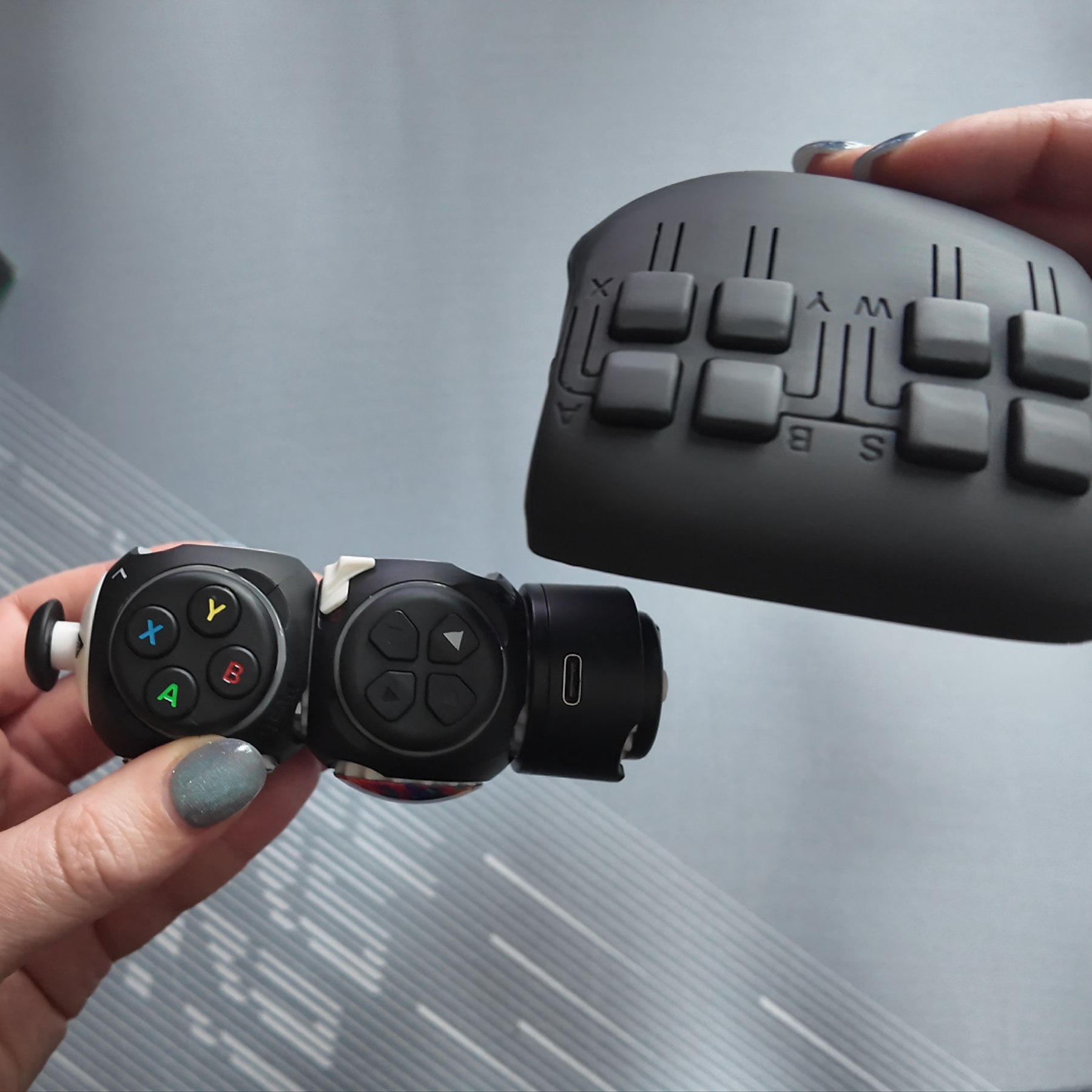
Custom Shape: The hand grip is 3D-printed using high-strength polymers. This manufacturing method is used specifically to create the complex, ergonomic curves required to fit a human hand comfortably.
Mechanical Switches: All buttons and levers use tactile mechanical switches that provide a responsive "click" similar to a high-end gaming mouse.
Direct Compatibility: Xbox Series X|S, Xbox One, Windows 10/11, and Steam Deck.
Adapter Compatibility: Nintendo Switch and PlayStation (requires a third-party adapter, such as the Brook Wingman).
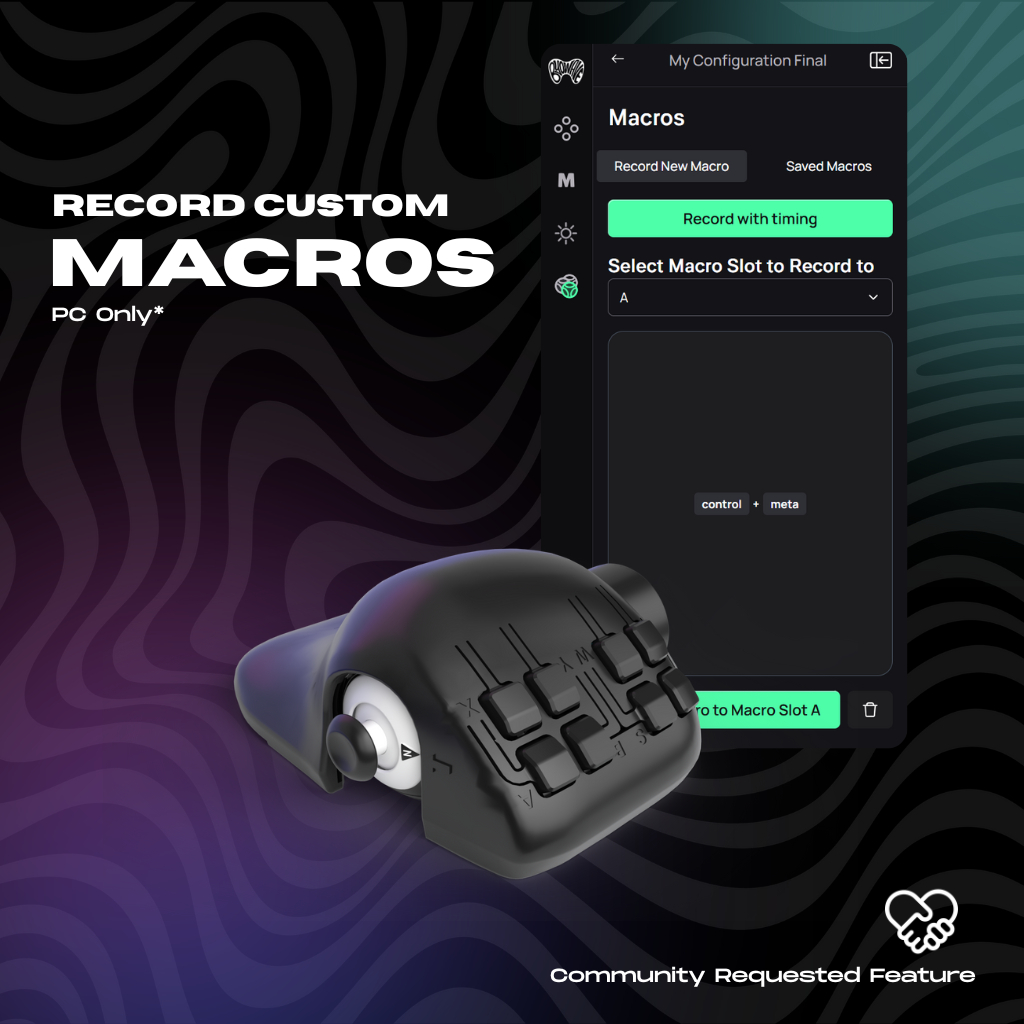
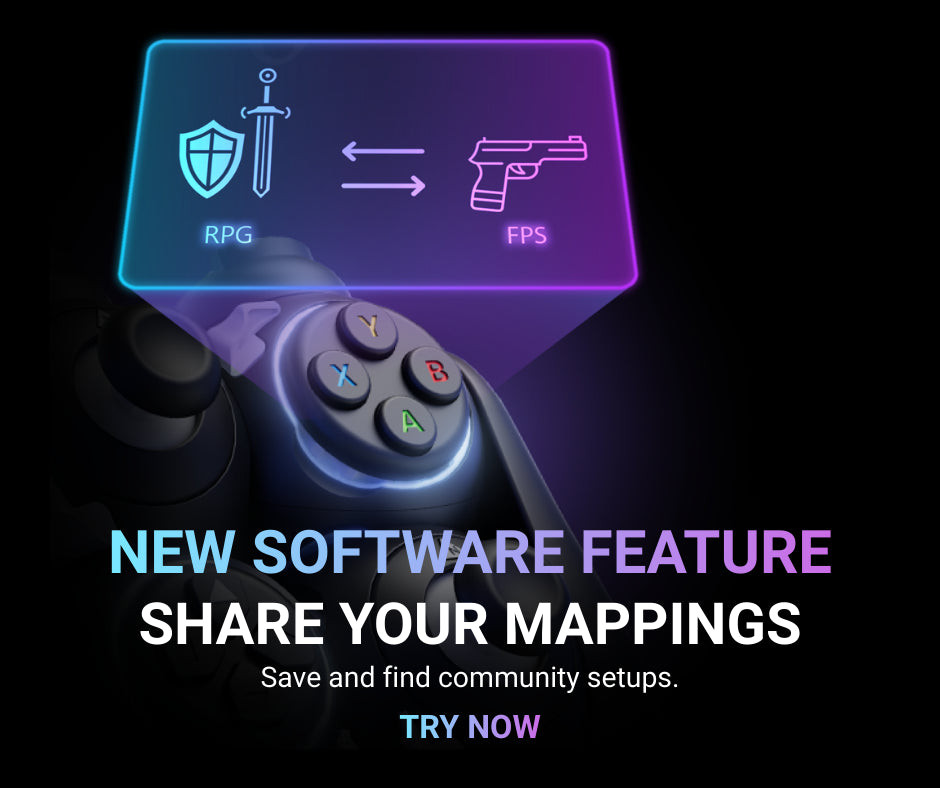
Software: Includes access to the Proteus WebApp for remapping buttons, configuring "Function Switch" layers, adjusting thumbstick sensitivity, and setting up custom macros.
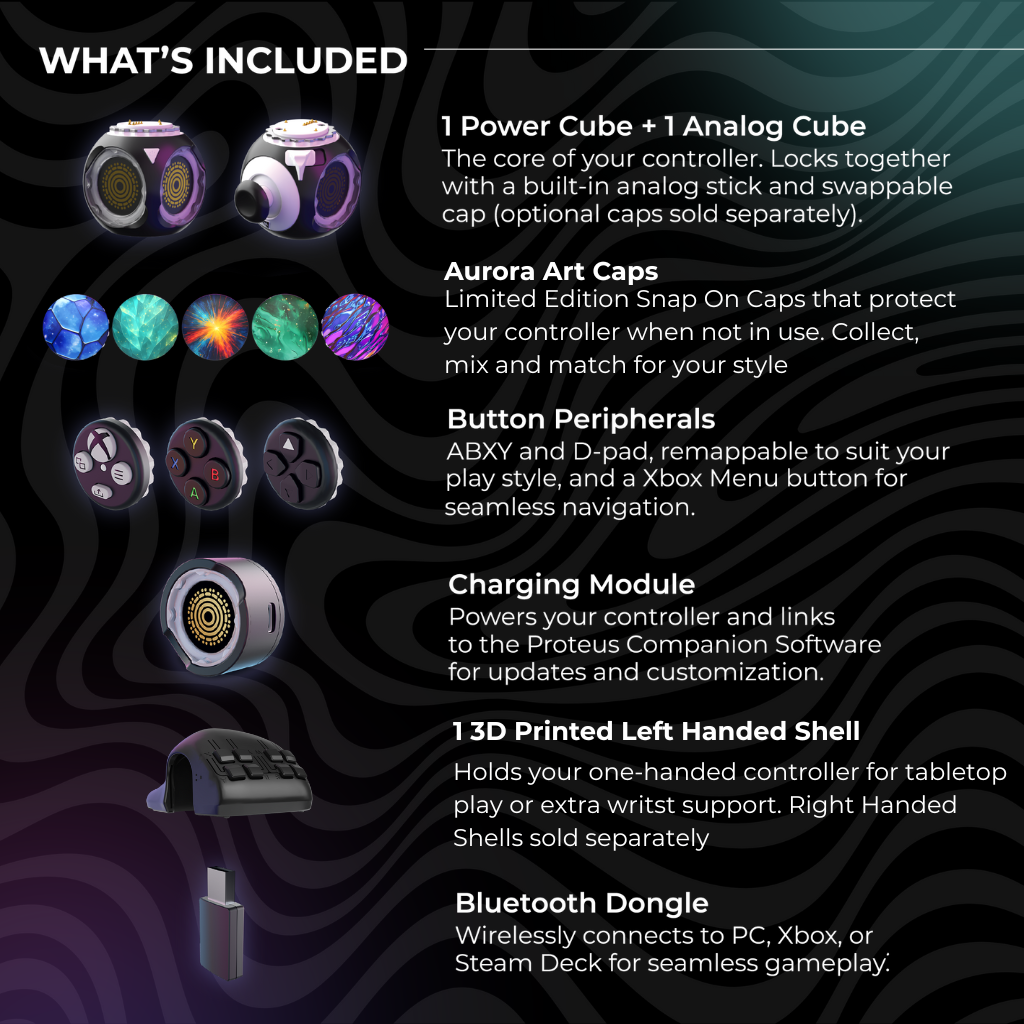
1x Power Cube (Wireless Processor)
1x Analog Cube (Thumbstick)
1x Xbox Peripheral (Guide/Menu buttons)
1x ABXY Peripheral (Action buttons)
1x Dpad Peripheral (Directional pad)
1x Left-Handed Ergonomic Grip (Aurora Edition)
1x Set of Aurora Limited Edition Art Caps
1x Wireless Dongle and USB-C Charging Cable
Payment & Security
Return undamaged products within 30 days for a full refund – no reason whatsoever.
Where ever you purchase the a ByoWave product, our team will be hear to help you get the best out of your controller. If you have any questions or concerns please contact us.
✅ You want a hand-fitted, ergonomic grip for your left hand.
✅ You play "One-Stick" games (platformers like Ori and the Blind Forest, or cozy sims like Stardew Valley)
✅ You want to pair a joystick with your gaming mouse on PC to replace WASD movement.
❌ You are looking for a standard two-stick Xbox controller.
Looking for the full two-stick experience?
If you need a traditional dual-stick setup, or a one handed controller for a wider range of games, check out the Proteus Controller Kit.
Choose options

Switch from GIP (Controller Mode) to HID (Keyboard mode). Swap WASD for an analog stick and pair alongside a mouse
PC only feature*

One physical button = Two different inputs
Keep your main actions (shoot, jump, crouch) on normal presses Hold your Function Switch to access a whole second layer of commands (grenades, emotes, macros)

Assign basic Macros and macros with timing to buttons on your controller in HID mode.
PC only feature*
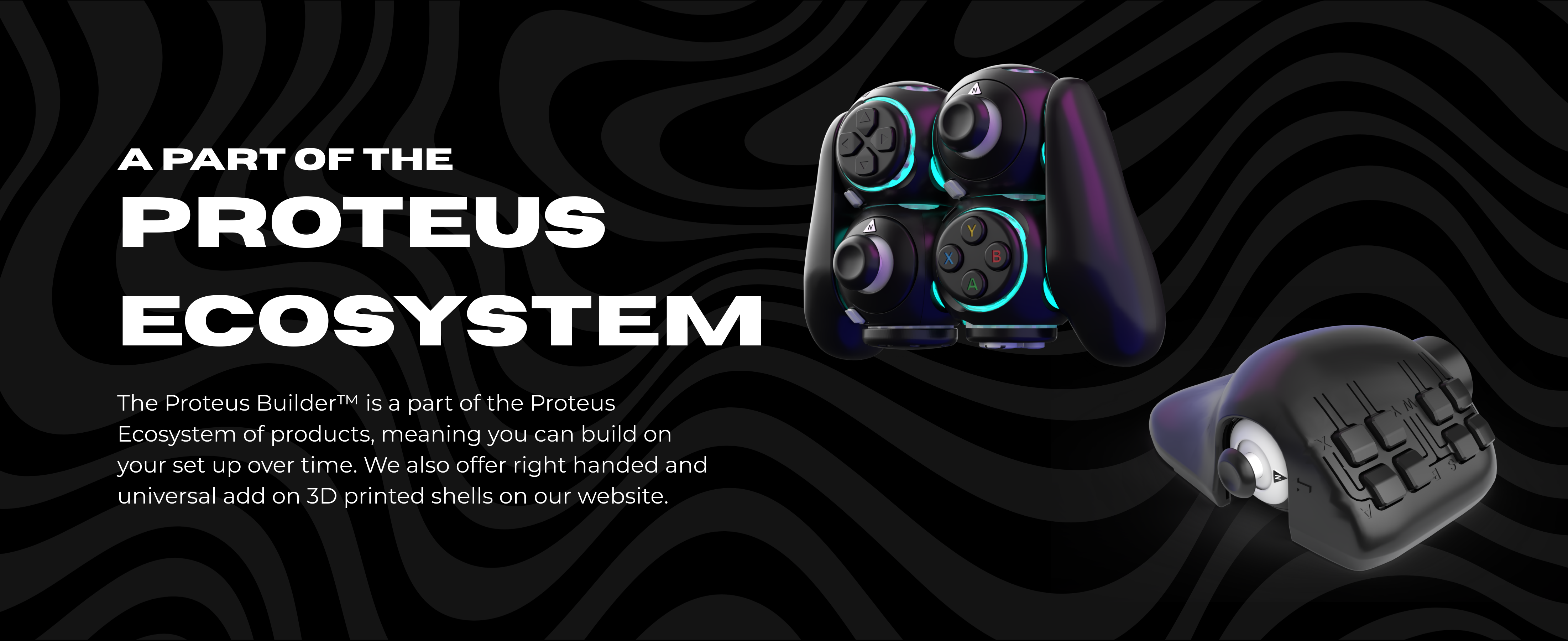
The Proteus Controller comes with all of the buttons and inputs you get from a standard controller, plus two extra remappable buttons and and an extra mini analog stick
Body Modules
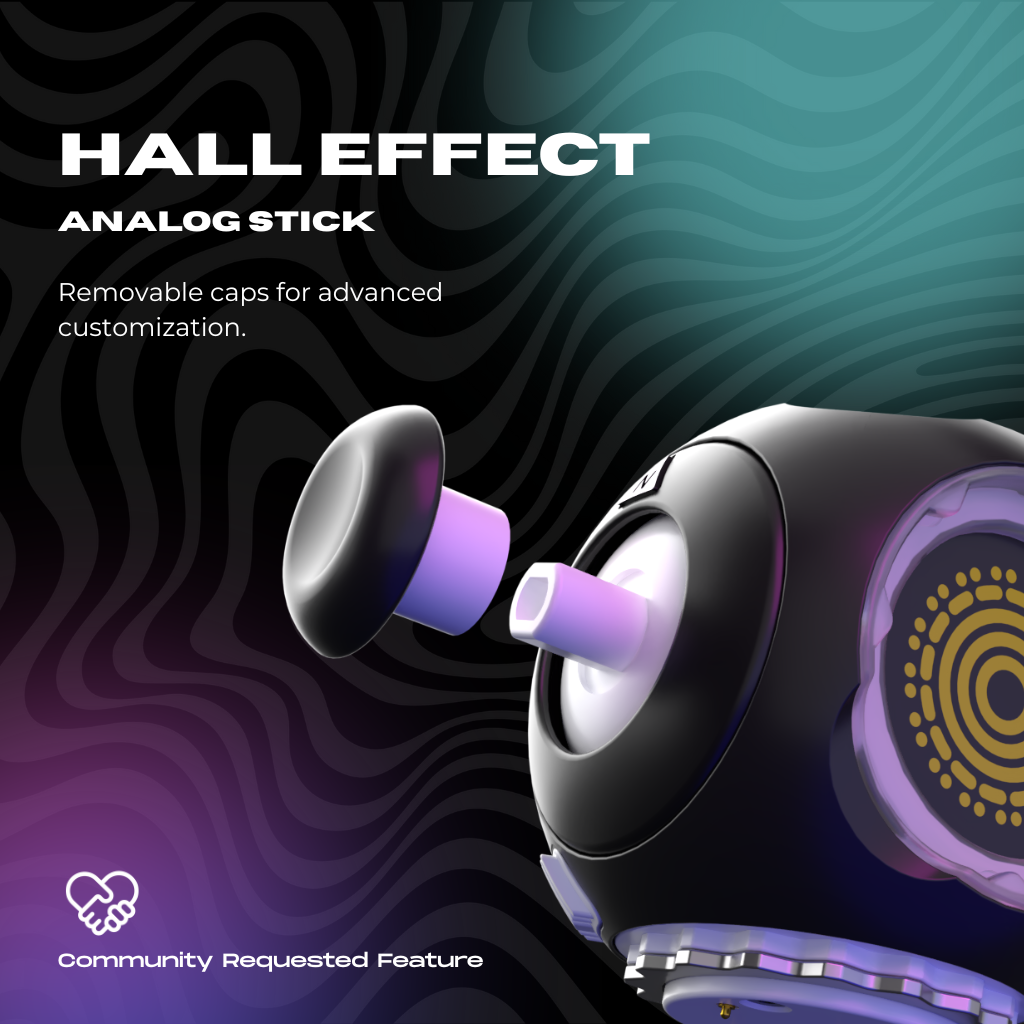
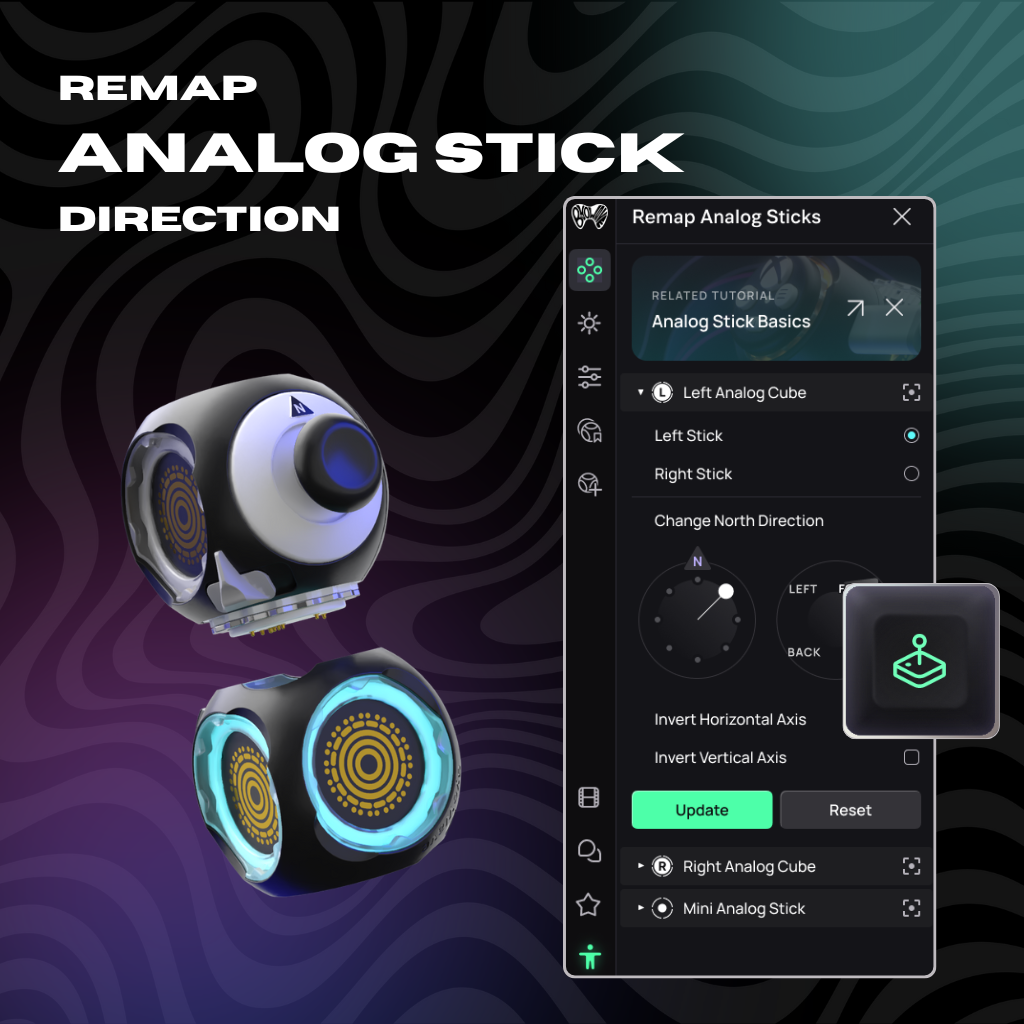
The Analog Cube can be mapped to either left or right antilog stick
Analog Cube Base Inputs:
- LS
- L3
The analog stick component can't be removed from Analog Cubes, but the Analog Stick Cap is removable so you can 3D print different attachments.
In HID Mode (PC Only)
The Analog Cube can be mapped to keyboard movement
Tips
Peripherals
Like any other Peripheral, the Xbox peripheral will connect to any female face and 8 different angles.
The Xbox Peripheral has:
- Xbox Home Button
- Menu Button
- View Button
- Share Button
- Status LED
Tips
Like any other Peripheral, the ABXY peripheral will connect to any female face at 8 different angles
The ABXY Peripheral has:
- A / Accept Button
- B / Close Button
- X Button
- Y Button
Tips
Like any other Peripheral, the Dpad peripheral will connect to any female face at 8 different angles
The Dpad Peripheral has:
- Up
- Down
- Left
- Right
Tips
Limited Edition caps and covers personalise and protect the controller.
Other Items
Charge your controller and use it to connect to the Proetus Controller Software
Plug directly into the Xbox or PC to pair your Power Cube to the device.
Tips
Compatibility
Xbox Series X|S
Windows 10\11
Steam Deck (SteamOS 3.7.0+)
Connectivity
Wireless via the Bluetooth Dongle included in each kit
Additional Features
Ports: USB-C
Officially Licensed for Xbox
3D Print Custom components
Software
The Proteus Controller Software is a browser app that works in Chrome and Edge on
Windows 10|11 and MacOS
*the app is not required to use the controller, but it significantly enhances your experience and is recommended
HID Mode (PC Only)
See More Configurations and Use Cases